5. Tutorial
Through this step-by-step tutorial you could make use of key options from
miRNAture to annotate the bona fide miRNA complement on selected contigs
from the coelacanth (Latimeria chalumnae) genome. All the required files to
execute this tutorial are included in the miRNAture source files in the miRNAture/Tutorial
folder.
5.1. Annotating let-7 on coelacanth
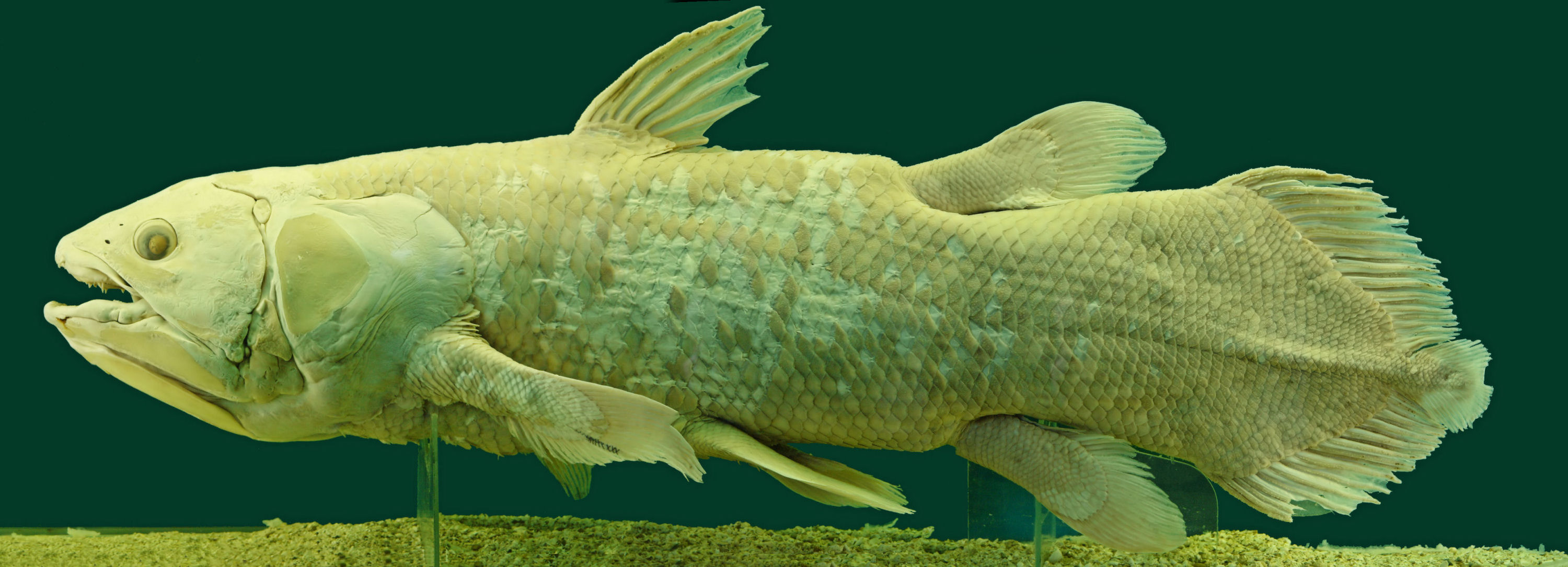
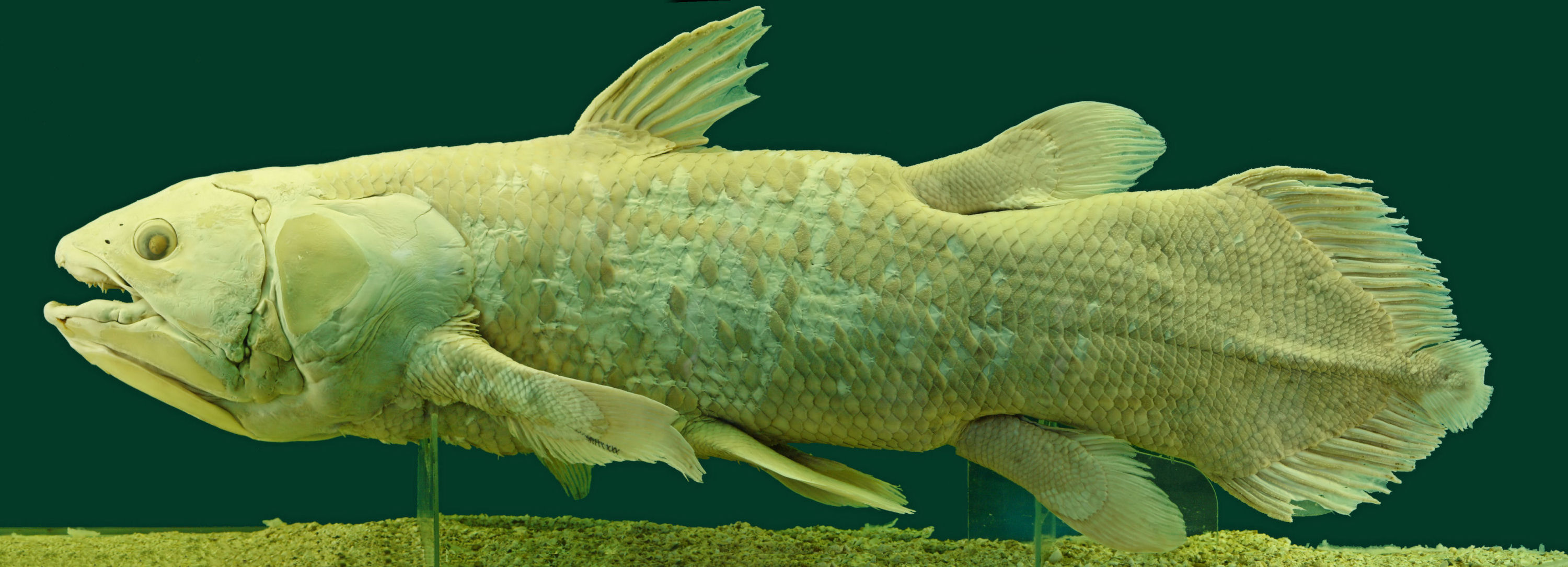
Fig. 5.1 Latimeria chalumnae. Source: Alberto Fernandez Fernandez / CC BY-SA
Based on the miRNA annotation retrieved from Ensembl release 100, the
coelacanth genome featured 8 let-7 locus distributed along 6 contigs. For purposes of this
tutorial, 3 contigs were selected with variable number of miRNA/let-7 annotations, as follows:
Contig |
Length (Mb) |
Numb. miRNAs |
Let-7 loci |
|---|---|---|---|
JH126571.1 |
5.981 |
5 |
1 |
JH129429.1 |
0.248 |
3 |
3 |
AFYH01291077.1 |
0.001 |
1 |
0 |
The main goal is the identification of the let-7 loci on the referred contigs. To do so, the Tutorial folder contained all the input files in Data/, required wrapper to miRNAture on Code/ and a Results/ folder where all prediction will be stored. As you can imagine, homology comparisons are prone to create both, a high number of input and output files. miRNAture avoids manual curation to the detected hits, life is too short to perform all of those steps by hand!
5.1.1. Folder structure
The folder tree on miRNAture looks like:
$ tree -L 1 miRNAture/
miRNAture/
├── Build.PL
├── Changes
├── ignore.txt
├── index.md
├── lib/
├── LICENSE
├── MANIFEST
├── META.json
├── META.yml
├── mirnature_logo.png
├── miRNAture-Manual/
├── miRNAture.yml
├── README
├── README.md
├── README.rst
├── script/
├── t/
├── Tutorial/
└── xt/
Our target folder is located in Tutorial/:
$ cd Tutorial/
$ tree -L2 .
Tutorial/
├── Code
│   ├── list_miRNAs_to_search.txt
│   ├── Precalculated-Data-tutorial
│   ├── tutorial_test_selected_models.sh
│   └── User_Test_Data
├── Data
│   ├── latimeria_chalumnae_genome.fa
│   └── QueriesToTest
└── Results
The Tutorial folder is composed by the subfolders: Code/, where all
the necessary scripts to run miRNAture are located. Data/ keeps the described
contigs from coelacanth in a multi-fasta file:latimeria_chalumnae_genome.fa. In the same
folder, in QueriesToTest/ let-7 annotations from 11 metazoans 1 were provided
as queries.
Note
Together with the query files, the file queries_description.txt is required to control which dataset of sequences that will be used by the blastn comparisons. Three columns are needed to be recognized:
<Name_fasta_file.fa> miRNA <Origin_of_sequence>
The first one corresponds to the file name, the second one have to be miRNA, the third
one is the name of the source specie in the format: Genera specie. If you do not know
the source, a valid name would be: Unknown specie. If ommited, miRNAture will create
automatically this file using all fasta files in this folder with an Unknown origin.
The Results/ folder will conserve all the output files generated by miRNAture.
5.1.2. Input files
To run miRNAture just go directly to Code/ folder:
$ cd Code/
$ tree -L 1 .
.
├── list_miRNAs_to_search.txt
├── Precalculated-Data-tutorial
├── tutorial_test_selected_models.sh
└── User_Test_Data
In this path, the tutorial_test_selected_models.sh file is bash script that will organize
all our code to run miRNAture. This way is preferred in terms of reproducibility means of your
computational experiments. This code will give you a general idea to run miRNAture, let’s explain
this in detail:
#!/bin/bash

current=$( pwd )
specie_tag="Lach"
specie_genome="$current/../Data/latimeria_chalumnae_genome.fa"
specie_name="Latimeria_chalumnae"

workdir="$current/../Results"
mkdir -p $workdir
mode="Blast,HMM,Infernal,Other_CM,Final"
strategy="5,6,ALL"
blastQueriesFolder="$current/../Data/QueriesToTest"
user_models="$current/User_Test_Data"
data_precalculated_folder="$current/Precalculated-Data-tutorial"

### Step by step: homology->validation->evaluation->summarise
# Run only homology-searches
#miRNAture -stage homology -sublist $current/list_miRNAs_to_search.txt \
#    -dataF $data_precalculated_folder -speG $specie_genome -speN $specie_name \
#    -speT $specie_tag -w $workdir -m $mode -pe 0 -str $strategy \
#    -blastq $blastQueriesFolder -rep relax,150,100 -usrM $user_models
# Run detection matures
#miRNAture -stage validation -dataF $data_precalculated_folder -speG $specie_genome \
#    -speN $specie_name -speT $specie_tag -w $workdir -m $mode -pe 0 -usrM $user_models
# Run the complete analysis
#miRNAture -stage evaluation -dataF $data_precalculated_folder -speG $specie_genome \
#    -speN $specie_name -speT $specie_tag -w $workdir -m $mode -pe 0
# Create summarise report
#miRNAture -stage summarise -dataF $data_precalculated_folder -speG $specie_genome \
#    -speN $specie_name -speT $specie_tag -w $workdir -m $mode -pe 0

# Run miRNAture complete
miRNAture -stage complete -sublist $current/list_miRNAs_to_search.txt \
    -dataF $data_precalculated_folder -speG $specie_genome -speN $specie_name \
    -speT $specie_tag -w $workdir -m $mode -pe 0 -str $strategy \
    -blastq $blastQueriesFolder -rep relax,150,100 -usrM $user_models
Activate the conda environment called miRNAture. The installation and activation of this environment is required previously to run miRNAture. All the dependences are described on the file miRNAture.yml, located on the miRNAture/Code/ folder.
The last script shows two steps that are required to run miRNAture:
Declare the name of input and output locations. This will help to assign miRNAture flags and easily reproduce the experiment. In this case, we used the following options (flags indicated in parenthesis):
Processing stage (
-stage): Running stage onmiRNAture. In this case was selectedcompleteto run all the stages. To run step by step, this flag accepts:homology,validation,evaluationandsummarise. You should run all of them in this order to obtain the same final results ascompleteoption.Subset of miRNA models to run (
-sublist): Subset of miRNA families references to be searched on the target sequence. Seelist_miRNAs_to_search.txtfile as an example. If not provided all miRNA RFAM models will be searched.Pre-calculated data location (
-dataF): Location of pre-calculated data required bymiRNAture. It included hidden markov, covariance models and curated input files to annotate mature sequences 2.Specie genome (
-speG): Current target sequence.Specie name (
-speN): Scientific name of the specie which belongs the subject sequence(s).Specie tag (
-speT): Tag of the specie name, suggested one takes the first two letters from the Genera joined with the first two from the specie (i.e Homo sapiens = Hosa).Working directory (
-w): Output directory, final path ofmiRNAtureresults.Running mode (
-m): Select at least one, or any combination of the miRNA search strategies between:Blast,HMM,InfernalandOther_CM. At the same time, to merge the complete results from those homology search modes, write at the endFinal.Parallel jobs using SLURM (
-pe): Activate (1) or not (0).Blast strategies (
-str): Write the numbers of desiredblastnstrategies. Possible strategies are:1,2,3,4,5,6. To merge all results put at the endALL.Path of
blastnqueries (-blastq): Declare the path of annotated query sequences of miRNAs. In this case is enough to indicate the folder name.Homology repetition detection (
-rep): Setup number of maximum loci number that will be evaluated by the mature annotation stage. By default, miRNAture will detect miRNA families that report high number of loci (> 200 loci). Then, it will select the top 100 candidates in terms of alignment scores, as candidates for the validation stage (default,200,100). Modify this values usingrelax,Number_Loci,Candidates_to_evaluate.User hidden markov/covariance models (
-usrM): Directory with additional hidden Markov (HMMs) or covariance models (CMs) provided by the user to be searched on the target sequence.
Then, run miRNAture through this script:
$ ./tutorial_test_selected_models.sh
Note
The list of complete flags can be found typing: miRNAture -h or miRNAture -man.
Footnotes
- 1
Anolis carolinensis, Branchiostoma belcheri, Branchiostoma floridae, Ciona robusta, Ciona savignyi, Danio rerio, Eptatretus burgeri, Petromyzon marinus, Strongylocentrotus purpuratus, Xenopus laevis and Xenopus tropicalis.
- 2
Pre-calculated data should be downloaded from https://zenodo.org/record/4531376#.YDqO4-bTVTZ